
Installing and setting up git and GitHub on android
Termux
A quick tutorial on turning an Android phone into a portable coding terminal using Termux, Git, and the GitHub CLI to securely manage code and review pull requests on the go.
POSTS
A quick tutorial on turning an Android phone into a portable coding terminal using Termux, Git, and the GitHub CLI to securely manage code and review pull requests on the go.

We have all been there. You’re away from your laptop, an urgent bug report comes in, or you just need to review and approve a quick pull request, but all you have is your smartphone.
The dreaded "I need my PC" excuse is a common hurdle for developers on the go. To get around it, some people turn to clunky web editors or sketchy third-party apps laden with pop-up ads. But trying to manage code through those workarounds is slow, frustrating, and often a usability nightmare.
There is a better way. Meet Termux, a powerful app that lets you run a native Linux environment right on your phone, allowing you to install Git and the GitHub CLI perfectly—without your code ever leaving your secure local setup.
By combining Termux with the official GitHub CLI, you are essentially turning your Android device into a pocket-sized developer terminal. It is designed with a "no-compromises" philosophy: you install the standard tools, authenticate your account, and it handles the rest.
Because it runs natively on your phone's local storage, it is fast. Plus, since you aren't routing your repositories through a third-party service, your code and credentials remain 100% private.
To set this up, you will need four things: an Android phone, an internet connection, Termux, and a GitHub account. This might sound a bit technical, but the documentation below covers every single step.
Step 1: Install Termux via F-Droid First, you need the terminal engine that runs everything. You should get this from F-Droid to ensure you have the latest, working version.
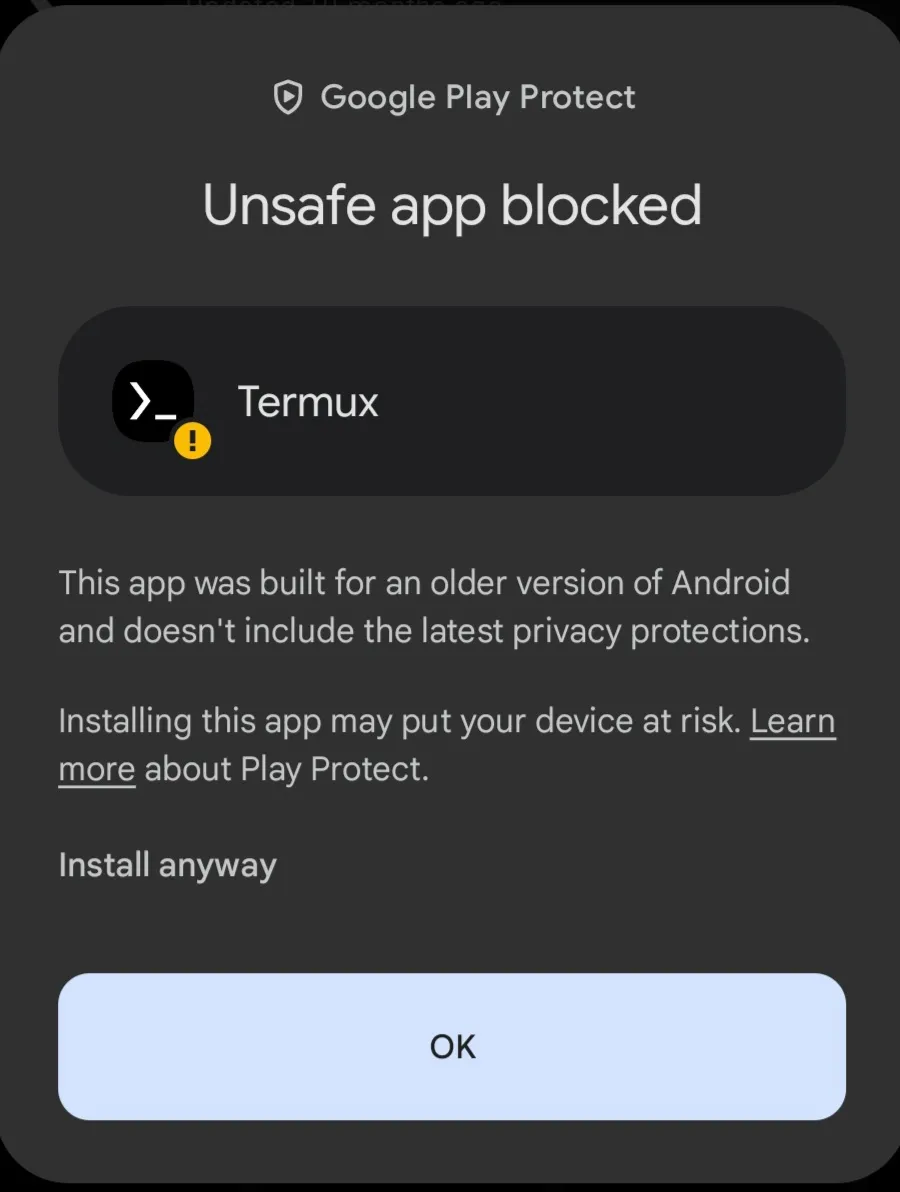
Step 2: Install and Configure Git Now, let's get the core version control system installed.
Open Termux and type the following command, then hit enter:
pkg install gitOnce that finishes, you need to go through the Git first-time setup so your commits are attributed to you. Run these two commands (you can replace the name and email with your own):
git config --global user.name "your name"
git config --global user.email youremail@example.com
Step 3: Install the GitHub CLI Next, we need GitHub's official command-line tool to make secure authentication a breeze.
Run this command:
apt install ghOnce everything is installed, it is time to link your phone to your GitHub account securely using SSH.
gh auth login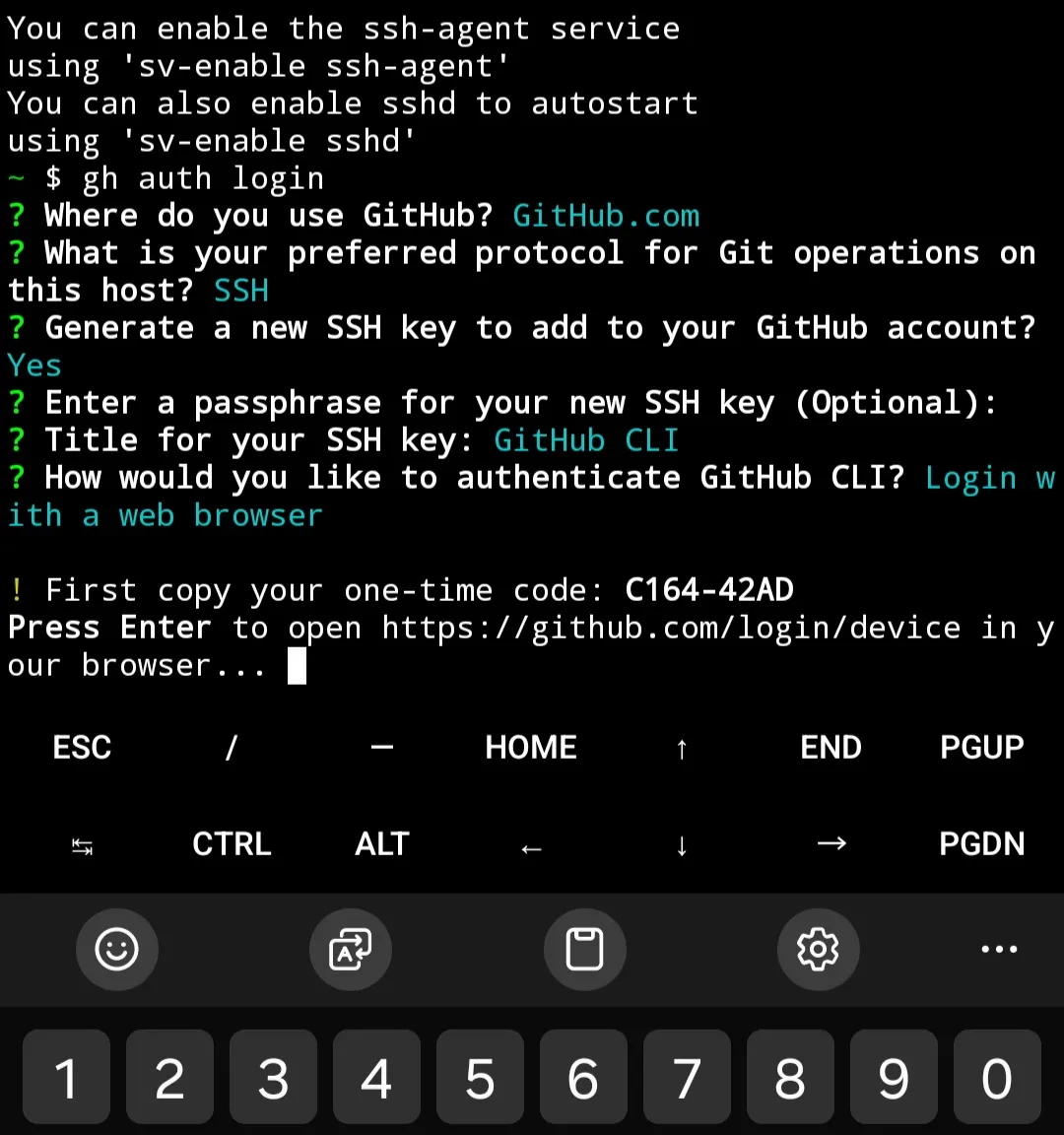
And that is it! You are fully set up. Every git and gh command is now at your fingertips.
Disclaimer: This guide uses open-source software. Always ensure you are downloading F-Droid and Termux from their official repositories to keep your device secure.

Learn how to seamlessly mirror your Android device to your PC using Scrcpy over wireless debugging, plus an introduction to a custom tool to make the connection process effortless.
Author
Llewellyn Paintsil
Duration
4 min

Turn your Android device into a powerful Linux workstation. Follow this simple Termux tutorial to learn how to install the app, configure it properly, and start using essential terminal commands in minutes.
Author
Randy Dwomoh
Duration
3 mins

Do you live for mischief? Well then join the club. Learn how to use the Bluetooth Low Energy (BLE) functionality of Android smartphones to create Phantom Bluetooth Advertisements. Let’s create a little mayhem….
Author
Randy Dwomoh
Duration
4 mins
