
Top 3 Linux Video Players
Linux
Linux video player chaos! I dared to pick my TOP 3: Bomi, VLC, mpv. Am I right? Am I wrong? Who knows! But it's MY video! Watch, and maybe learn something. Or just laugh at me. Either works!
POSTS
Linux video player chaos! I dared to pick my TOP 3: Bomi, VLC, mpv. Am I right? Am I wrong? Who knows! But it's MY video! Watch, and maybe learn something. Or just laugh at me. Either works!

These are my picks for the top 3 video players on Linux, some of you might not agree with me but I don't care, this is my opinion and this is the internet so I'm allowed to give my views am I not?
Well in number 01 we have Bomi. This player is the best for so many reasons I can go on and on about it but I don't feel like so let's move on.
In 2nd place, we have VLC. The king of media players for a long time and everyone's favourite.
And in 3rd Place, we have mpv. Don't ask me about it because I've got no idea where or when it came and I feel too lazy to look for it.
These are my picks, watch my YouTube channel and leave a comment or 2 on your favourite, ill be expecting it. If you want more info keep reading or you can just end here, it's up to you, I'm done saying what I wanted to say so why are you still here?
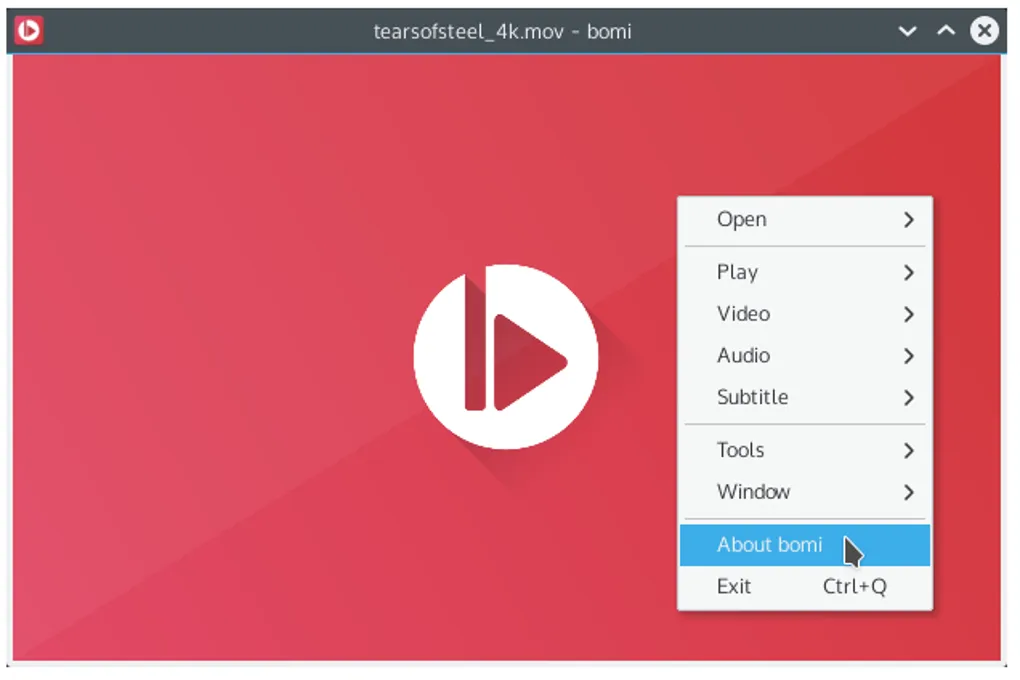
Are you tired of using multimedia players that are difficult to navigate or don't offer the features you need? Look no further than Bomi, formerly known as CMPlayer. This Linux-based multimedia player offers a user-friendly interface that provides all the features you need right in the context menu. One of the standout features of Bomi is its unlimited playback history, which lets you resume playback later and tracks playback states such as selected audio and loaded subtitles. Additionally, Bomi can generate playlists based on file names and even restore the last played playlist automatically.
It also supports various subtitle formats and can render multiple subtitle files at the same time, making it a great option for foreign films or TV shows. Plus, it utilizes hardware-accelerated decoding by GPU, providing smooth playback. There are many more convenient features available with Bomi, which you can find on their wiki page. If you encounter any problems or have feature requests, you can post them on their issue tracker or contact them via email. Best of all, Bomi is distributed under the GPLv2, so you can modify and redistribute free software as needed. Give Bomi a try for an enjoyable multimedia experience!
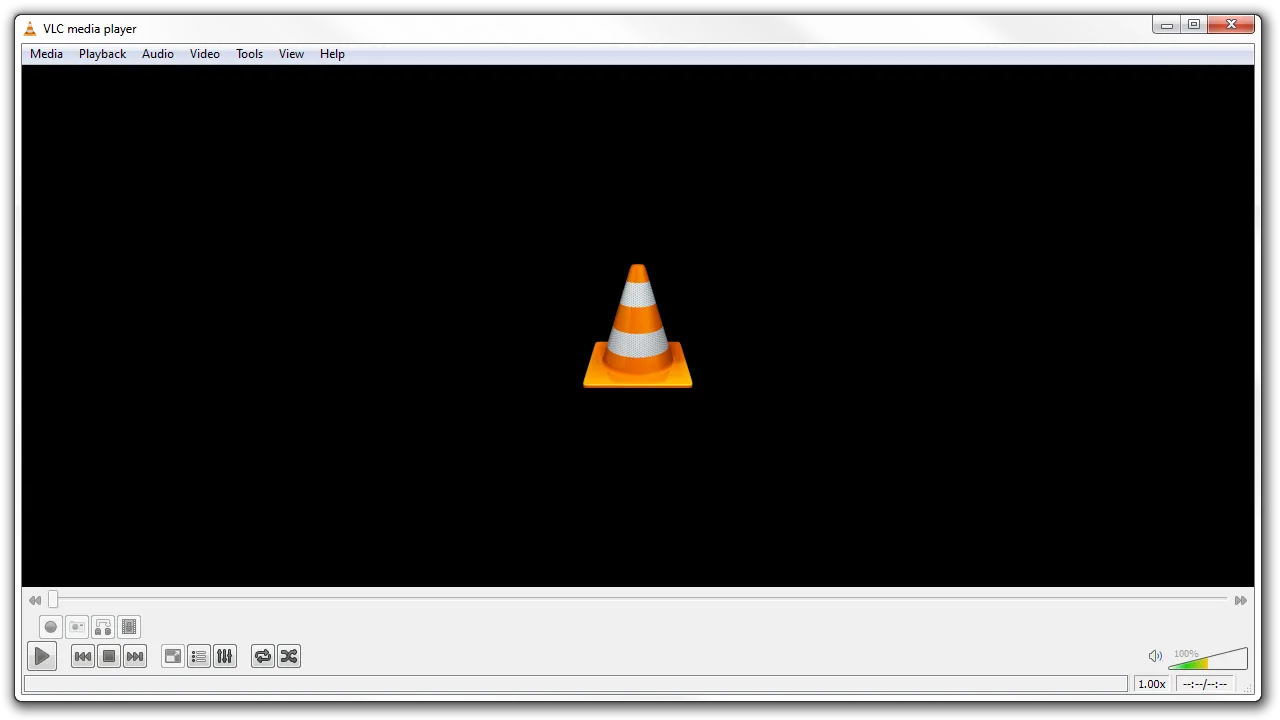
Are you tired of using mediocre media players that don't offer the features you need? Look no further than VLC, the ultimate multimedia player. This open-source software supports a wide range of audio and video formats, making it a go-to for many users. One of the standout features of VLC is its ability to stream and convert media, allowing you to watch your favourite shows and movies on multiple devices. VLC offers advanced playback features such as speed adjustment, audio and subtitle synchronization, and even frame-by-frame playback.
It also includes a built-in equalizer, which lets you fine-tune audio settings to your liking. VLC supports a wide range of plugins and extensions, which lets you customize the player to fit your specific needs. Many more convenient features are available with VLC, such as the ability to record your screen or webcam. If you're looking for a media player that can do it all, VLC is the way to go. Best of all, it's free and open-source, so you can modify and redistribute it as needed.
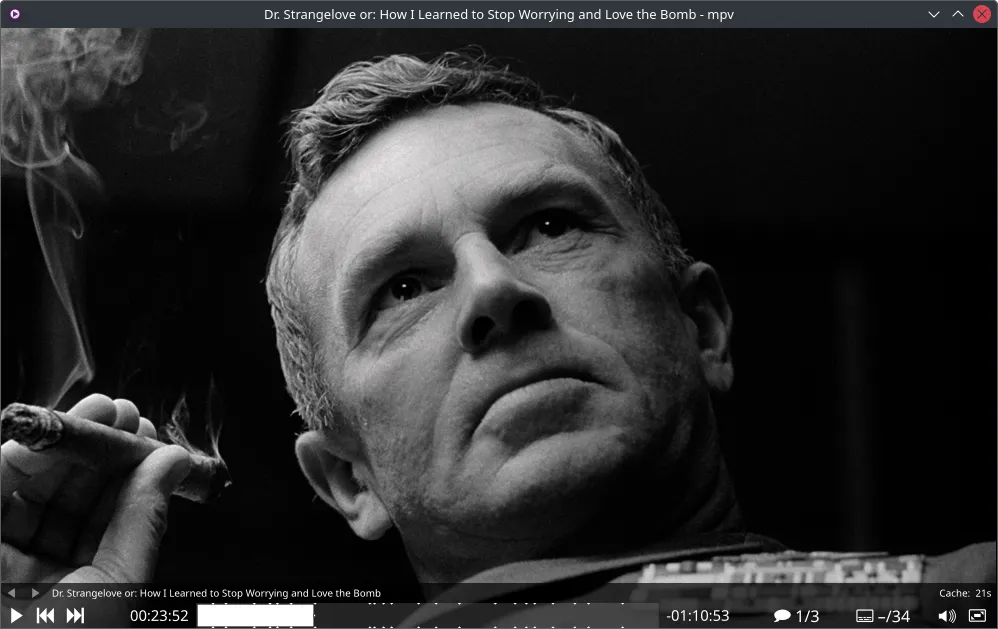
Are you seeking a lightweight media player with advanced features and customization options? Look no further than mpv, the minimalist media player. This open-source software is based on MPlayer and supports a wide range of audio and video formats. One of the standout features of mpv is its ability to use hardware-accelerated decoding, which provides smooth playback even for high-resolution videos.
Additionally, mpv offers advanced playback features such as speed adjustment, audio and subtitle synchronization, and even real-time video and audio filters. It also includes a versatile scripting system, which lets you automate tasks or add custom features to the player. Plus, mpv supports a wide range of plugins and extensions, which lets you customize the player to fit your specific needs. Many more convenient features are available with mpv, such as the ability to take screenshots or play videos at a specific time. If you're looking for a media player that is lightweight and powerful, mpv is the way to go. Best of all, it's free and open-source, so you can modify and redistribute it as needed.

Turn your Android device into a powerful Linux workstation. Follow this simple Termux tutorial to learn how to install the app, configure it properly, and start using essential terminal commands in minutes.
Author
Randy Dwomoh
Duration
3 mins

Do you live for mischief? Well then join the club. Learn how to use the Bluetooth Low Energy (BLE) functionality of Android smartphones to create Phantom Bluetooth Advertisements. Let’s create a little mayhem….
Author
Randy Dwomoh
Duration
4 mins

A quick tutorial on turning an Android phone into a portable coding terminal using Termux, Git, and the GitHub CLI to securely manage code and review pull requests on the go.
Author
Llewellyn Paintsil
Duration
3 mins
