
Replaying Streaks Without Notifying People
Tutorial
Annoyed by Snapchat streak replay notifications? Yeah, us too! This video reveals the simple way to replay streaks secretly. No more awkwardness, just pure streak enjoyment!
POSTS
Annoyed by Snapchat streak replay notifications? Yeah, us too! This video reveals the simple way to replay streaks secretly. No more awkwardness, just pure streak enjoyment!

Snapchat is a multimedia messaging app that allows users to send and receive photos and videos that disappear after they are viewed, making it a platform is known for its temporary and real-time communication.
To be honest, if you don't know what Snapchat is then I wonder what you've been up to your entire life, check out Snapchat's Website and try it out for yourself.
In this post, I'll be showing you how to replay streaks because they notify the person you are replaying their streaks. Well, it's very annoying especially if you don't want them to. Just keep reading to know how to avoid that.
It's very simple, open the streak.
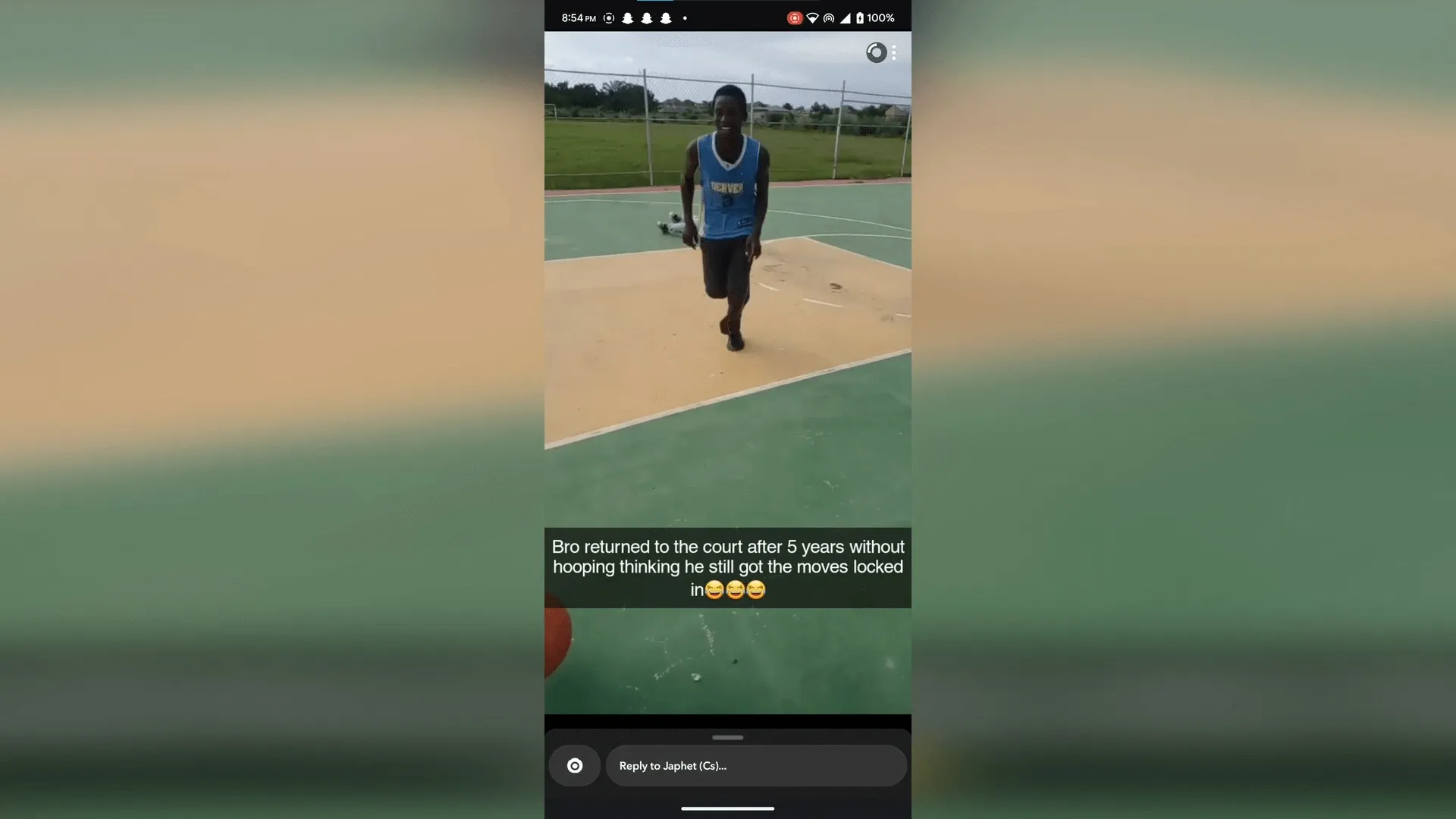
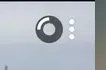
Swipe up or click on the 3 dots at the top left corner of your screen
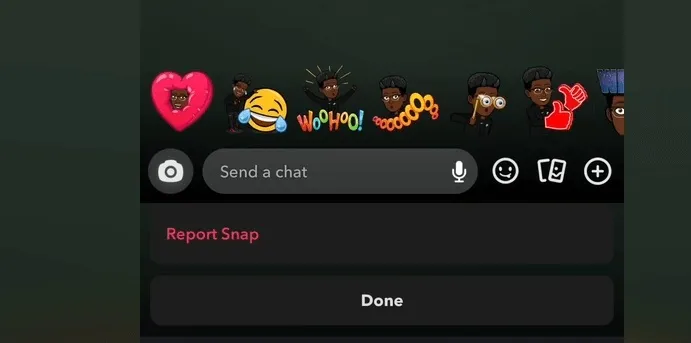
Then just click on the "Report Snap" button
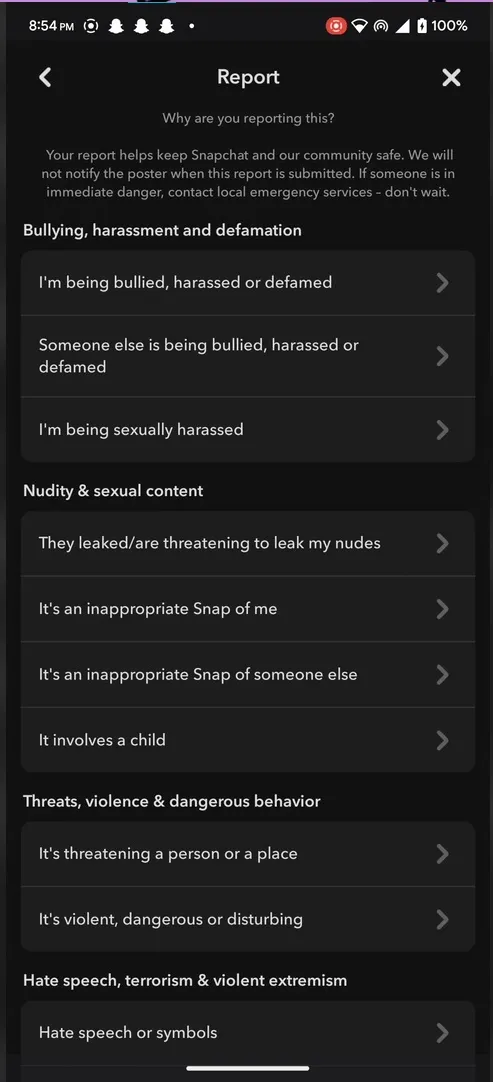
When these options come, don't click on any of them, just go back your snap should replay without notifying the other party of your action.
That's just how to do it. Let's hope Snapchat doesn't change this after they get to know because I'm honestly tired of them notifying people.

Turn your Android device into a powerful Linux workstation. Follow this simple Termux tutorial to learn how to install the app, configure it properly, and start using essential terminal commands in minutes.
Author
Randy Dwomoh
Duration
3 mins

Do you live for mischief? Well then join the club. Learn how to use the Bluetooth Low Energy (BLE) functionality of Android smartphones to create Phantom Bluetooth Advertisements. Let’s create a little mayhem….
Author
Randy Dwomoh
Duration
4 mins

A quick tutorial on turning an Android phone into a portable coding terminal using Termux, Git, and the GitHub CLI to securely manage code and review pull requests on the go.
Author
Llewellyn Paintsil
Duration
3 mins
