
How to Install Bomi
Linux
Want the BEST media player experience on Linux? Look no further! This shows you how to install Bomi in minutes. Effortless setup, and stellar playback. Upgrade your viewing now!
POSTS
Want the BEST media player experience on Linux? Look no further! This shows you how to install Bomi in minutes. Effortless setup, and stellar playback. Upgrade your viewing now!

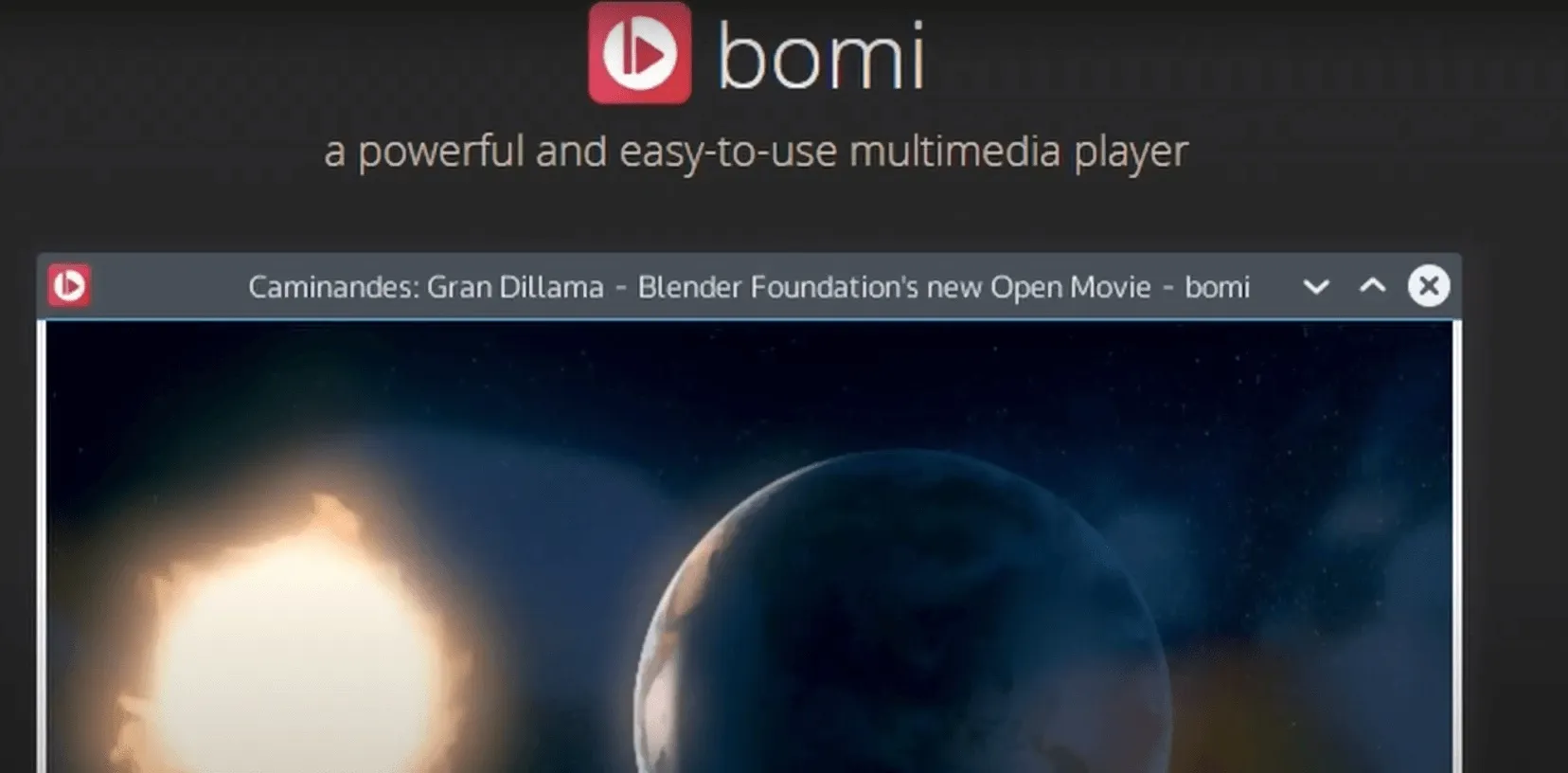
In my opinion, Bomi is the best media player out there especially on Linux, I use it every single day and I've not been disappointed a bit.
This post will show you exactly how to install it on your own system.
Step 1: First things first. You need to add the ppa repo. $ sudo add-apt-repository ppa:nemonein/bomi

Step 2: After adding it run $ sudo apt update
Step 3: Then you just gotta run $ sudo apt install bomi
That's it, you can now enjoy watching all your videos on the best video player out there.

Turn your Android device into a powerful Linux workstation. Follow this simple Termux tutorial to learn how to install the app, configure it properly, and start using essential terminal commands in minutes.
Author
Randy Dwomoh
Duration
3 mins

Do you live for mischief? Well then join the club. Learn how to use the Bluetooth Low Energy (BLE) functionality of Android smartphones to create Phantom Bluetooth Advertisements. Let’s create a little mayhem….
Author
Randy Dwomoh
Duration
4 mins

A quick tutorial on turning an Android phone into a portable coding terminal using Termux, Git, and the GitHub CLI to securely manage code and review pull requests on the go.
Author
Llewellyn Paintsil
Duration
3 mins
